

From Qwen3-TTS to Chatterbox - Finally Getting Voice Cloning Right
Background
I run a self-hosted AI assistant called Samantha - a chatbot inspired by the movie HER - in a home lab. I let OpenClaw orchestrate Samantha from a Raspberry Pi that acts as the coordinator. The heavy lifting - deep learning - happens on a separate machine, AI01, equipped with an RTX 3090 and 24 GB of VRAM. Voice generation is the linchpin of Samantha's workflow: I rely on it to send Telegram voice messages for daily briefings, email recaps, and instant status reports. Without it, my day would feel a bit too silent. A natural-sounding voice is not a luxury; it's a necessity for an AI that wants to be a conversational partner. The first engine I tried was Qwen3-TTS.
The Problem with Qwen3-TTS CustomVoice
Qwen3-TTS (Qwen/Qwen3-TTS-12Hz-1.7B-CustomVoice) was my first choice because it exposed an API that let me feed a reference clip and produce speech in French and English. The reference sample I used was a 41-second female voice recording in French. Here are the specific frustrations I encountered:
- Reference audio drift - any clip longer than 10 seconds would drift and start sounding male on short passages, so I had to trim my 41-second reference down to exactly 10 seconds.
- Seed dependency - to get consistent outputs I had to pin the random seed to
42(torch, cuda, and random module) for every single request. - Per-language instruct prompts - each call required a style instruction that differed per language. French needed
"Jeune femme francaise, ton vivant et expressif", English needed"Young woman, warm low voice, lively and expressive". Even then the voice stayed uneven. - Unusable built-in speakers - serena, vivian, and ono_anna were either incomprehensible or sounded overly depressive in French. One of them kept a Quebec accent.
- General fragility - it worked sometimes, produced garbled output on the next request, and debugging felt like a black box.
Evaluating Alternatives
I scoped the current landscape of open-source TTS engines that support voice cloning.
- Fish Speech - natural sounding, multilingual, active development
- Chatterbox (Resemble AI) - MIT licensed, outperformed ElevenLabs in blind tests, offers emotion control via an exaggeration parameter
- XTTS-v2 (Coqui TTS) - built-in REST server, 44k GitHub stars, but the project has been dormant since Coqui shut down in 2024
- Kokoro - lightweight, fast, but limited voice cloning
- StyleTTS2 - excellent quality but complex setup
- Piper - great for embedded/edge but not designed for voice cloning
My criteria were simple: French-quality voice cloning, self-hostable on an RTX 3090, and an API callable from shell scripts. Chatterbox ticked all those boxes.
Installing Chatterbox on RTX 3090
Step 1 - The Base Model (English Only)
My first stab used the standard Chatterbox model. The setup looked straightforward but Python 3.12 threw a few curveballs:
# Create venv
python3 -m venv /opt/chatterbox/venv
source /opt/chatterbox/venv/bin/activate

# numpy<1.26 required by chatterbox but won't build on Python 3.12
# pkgutil.ImpImporter was removed in 3.12
pip install numpy==1.26.4  # technically out of spec but works fine

# PyTorch 2.6.0 needs cu124 index
pip install torch==2.6.0 torchaudio==2.6.0 --index-url https://download.pytorch.org/whl/cu124

# Install chatterbox without deps first, then manually
pip install chatterbox-tts --no-deps
pip install transformers==4.46.3 safetensors==0.5.3 conformer==0.3.2
pip install diffusers==0.29.0 librosa==0.11.0 omegaconf resemble-perth==1.0.1
The Perth watermarker library (for audio watermarking) ships without a native binary on Linux. The fix is simple - patch both tts.py and mtl_tts.py:
# In the __init__ method, replace:
self.watermarker = perth.PerthImplicitWatermarker()
# With:
self.watermarker = perth.DummyWatermarker() if perth.PerthImplicitWatermarker is None else perth.PerthImplicitWatermarker()
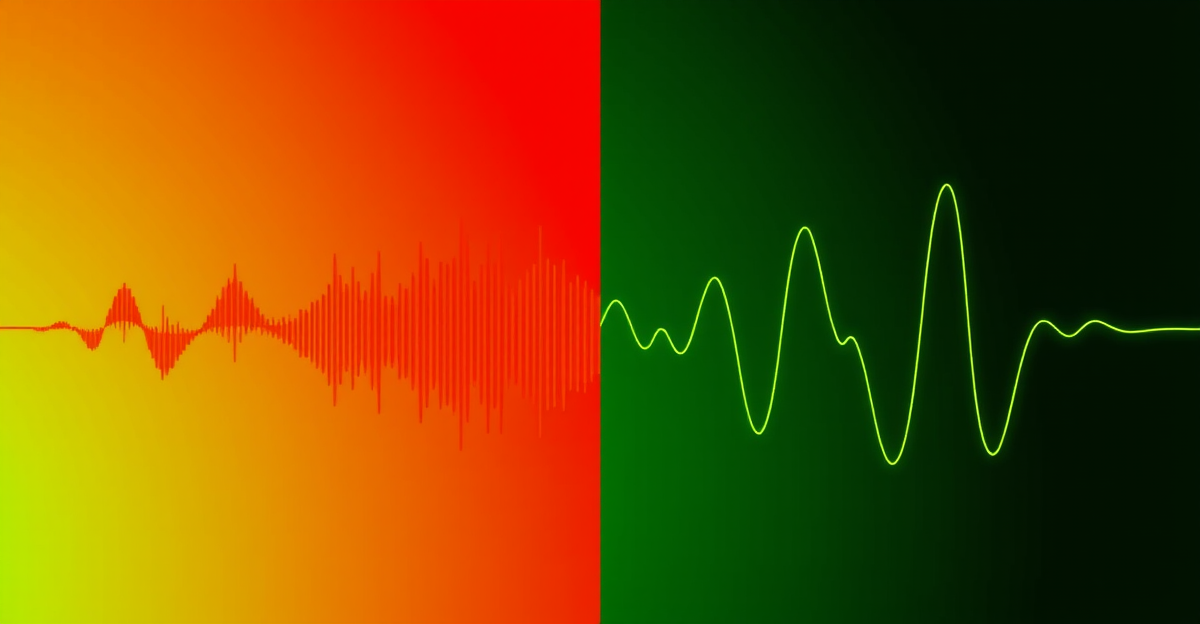
English voice generation worked fine after those fixes, but French sounded like a French speaker with a heavy German accent. Not great.
Step 2 - The Multilingual Model
I dug into the repo and found a ChatterboxMultilingualTTS class with a multilingual_app.py Gradio demo. It supports 23 languages out of the box: Arabic, Danish, German, Greek, English, Spanish, Finnish, French, Hebrew, Hindi, Italian, Japanese, Korean, Malay, Dutch, Norwegian, Polish, Portuguese, Russian, Swedish, Swahili, Turkish, and Chinese.
Switching over was a piece of cake: import ChatterboxMultilingualTTS instead of ChatterboxTTS, patch mtl_tts.py the same way, and use language_id as the parameter name (instead of target_lang as the Gradio app hints).
And voila: French sounded natural, with proper pronunciation and no accent drift. No seed juggling, no instruct prompts - just type text, get voice.
Step 3 - FastAPI Server
I wrapped everything in a minimal FastAPI server:
from chatterbox.mtl_tts import ChatterboxMultilingualTTS, SUPPORTED_LANGUAGES
from fastapi import FastAPI
from fastapi.responses import FileResponse
import torch, soundfile as sf, uuid, os

os.environ["CUDA_VISIBLE_DEVICES"] = "0"
app = FastAPI()
model = ChatterboxMultilingualTTS.from_pretrained(device="cuda")

VOICE_REFS = {
    "fr": "/home/pi/voice-refs/samantha_voice_fr.wav",
    "en": "/home/pi/voice-refs/samantha_voice_en.wav",
}

@app.post("/generate")
async def generate(text: str, voice: str = "fr", exaggeration: float = 0.5):
    ref_audio = VOICE_REFS.get(voice, VOICE_REFS["fr"])
    wav = model.generate(text=text, audio_prompt_path=ref_audio,
                         language_id=voice, exaggeration=exaggeration)
    path = f"/tmp/{uuid.uuid4()}.wav"
    sf.write(path, wav.squeeze().cpu().numpy(), model.sr)
    return FileResponse(path, media_type="audio/wav")
A systemd service keeps it running on port 8000 with auto-restart:
[Unit]
Description=Chatterbox TTS API Server
After=network.target

[Service]
Type=simple
User=pi
Environment=CUDA_VISIBLE_DEVICES=0
WorkingDirectory=/opt/chatterbox
ExecStart=/opt/chatterbox/venv/bin/python3 server.py
Restart=on-failure
RestartSec=10

[Install]
WantedBy=multi-user.target
Results
After deploying the multilingual server, here's what changed:
- French - natural accent, consistent voice across short and long texts. I validated it on the first listen.
- English - clean and expressive. Immediate thumbs-up.
- No seed fixing needed - Chatterbox produces consistent output natively.
- No instruct prompts - the model clones the reference voice directly without style instructions.
- Emotion control - the
exaggerationparameter (0-to-1) handles the tone: 0.3 for factual briefings, 0.5 for conversation, 0.7+ for storytelling. - Full reference audio - unlike Qwen3, which required a trimmed 10-second clip, Chatterbox happily handles the full 41-second reference.
- VRAM usage - about 5 GB on GPU 0, leaving GPU 1 free for ComfyUI (image and video generation).
- Startup - about 60 seconds to load the model, then instant responses.
The Migration
The cutover was clean:
- I stopped and disabled the Qwen3-TTS systemd service.
- I removed
/opt/qwen3-ttsentirely. - I started Chatterbox on the same port (8000).
- My existing shell scripts (
tts.sh,speak.sh) worked with no changes - they just POST JSON to the same endpoint.
The old instruct parameter from Qwen3 is simply ignored by Chatterbox, so backward compatibility is free.
Key Lessons
- Test with your actual language. A model that sounds great in English can still produce bizarre accents in French. The base Chatterbox model gave me a German-accented French voice - only the multilingual version works.
- Multilingual models are not optional. If you need anything beyond English, look for explicit multilingual support rather than hoping a monolingual model will generalize.
- Simpler is better. Qwen3-TTS required seed pinning, audio trimming, per-language instructions, and careful parameter tuning. Chatterbox needs none of that.
- Python 3.12 and ML do not mix easily. Expect NumPy build failures, missing setuptools attributes, and CUDA wheel version mismatches. Manual dependency installation is your friend.
- Watermarking is optional for self-hosted setups. The Perth watermarker has no Linux binary. A DummyWatermarker works perfectly fine when running locally.
What is Next
Chatterbox handles my current needs perfectly, but I'm already thinking about next steps:
- Automatic sentiment detection to dynamically adjust the
exaggerationparameter based on message content. - Testing longer-form content like blog-post narration or podcast-style summaries.
- Exploring fine-tuning options if Resemble AI releases training scripts.
For now, Samantha finally has a voice that sounds like her - consistent, natural, and expressive in both French and English. That's all I wanted.


